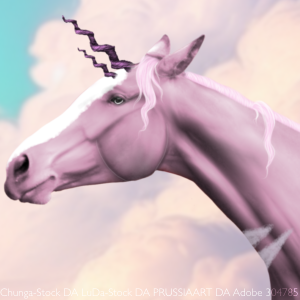
For a smoother style, duplicate horse layer, set it to clipping layer
Get your smudge brush, normally 10-20 opacity works for me (depending on program you might need to adjust) and smudge. Dont overdo it or you have a big ol' blob.
Then I lower the smudged layer opacity and downmerge.
For highlights, make a new layer (set it to soft light and clipping layer) and take a white brush and add highlights. Smudge highlights and lower opacity (then downmerge)
For shadows, repeat that but do it with black.
I normally do hair next, and then put it on the backround.
Then I duplicate the horse layer (clipping) fuss around with the settings to make it fit the backround (forest I would make it green). Dont be afraid to make it ridiulously that color because then you lower the opacity!
I do that with the hair too to make it match.
Sometimes instead of doing that I pick a color from the bg, make a new clipping layer, paint the horse that color, set the layer to soft light, lower opacity and downmerge

 Morning Drizzle, but Clearing later