| |
|
I seem to be having an issue in Art Editor. When trying to equip decor it won't appear in the image. It is only when I go back the horse page I can see it IS actually there. This however means I can't move things where I'd like them to be. Anyone else have this issue? |
|  |
|
| |

|
I had this issue with the animations I tried to preview |
|  |
|
| |
Administrator
|
What type of device and browsers are you guys using? |
|  |
|
| |
|
Cadence Farms said:
What type of device and browsers are you guys using?
Google chrome on my samsung phone
|
| |
|
| |
|
Cadence Farms said:
What type of device and browsers are you guys using?
Apple mac lap top |
| |
|
| |
|
I've been having this same issue - I've found that you have to click view horse image at the bottom for it to refresh! |
|
|
| |

|
Same for me. It seemed to start yesterday. You pick a new background and apply. But can't see it untill you view horse image or close editor and reopen. I'm using an MS surfacepro pc. |
|  |
|
| |

|
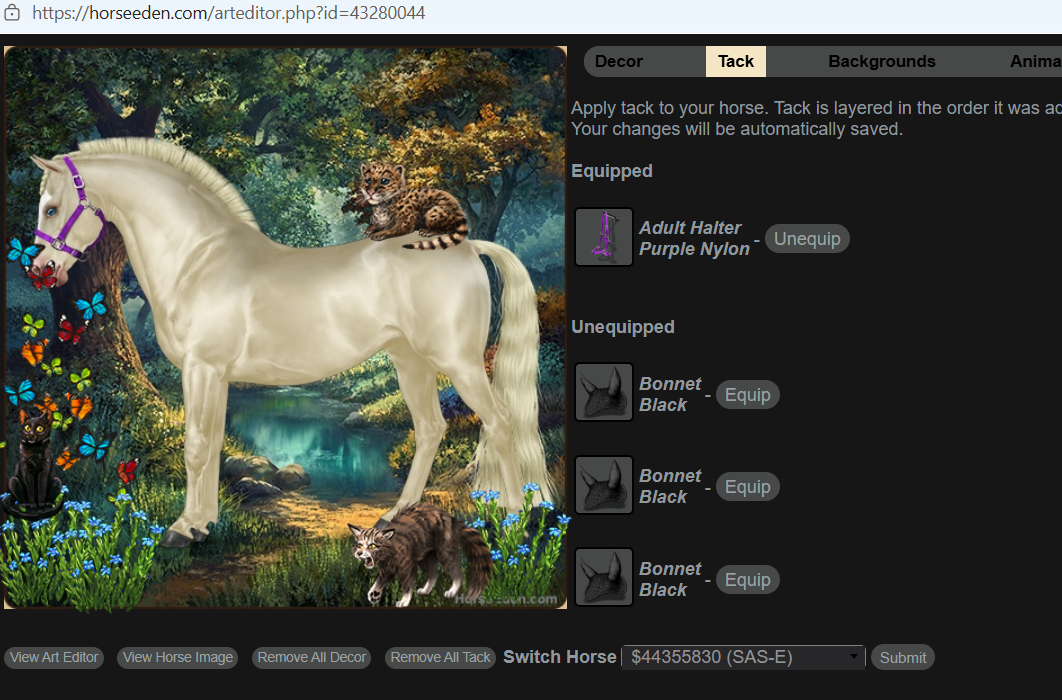
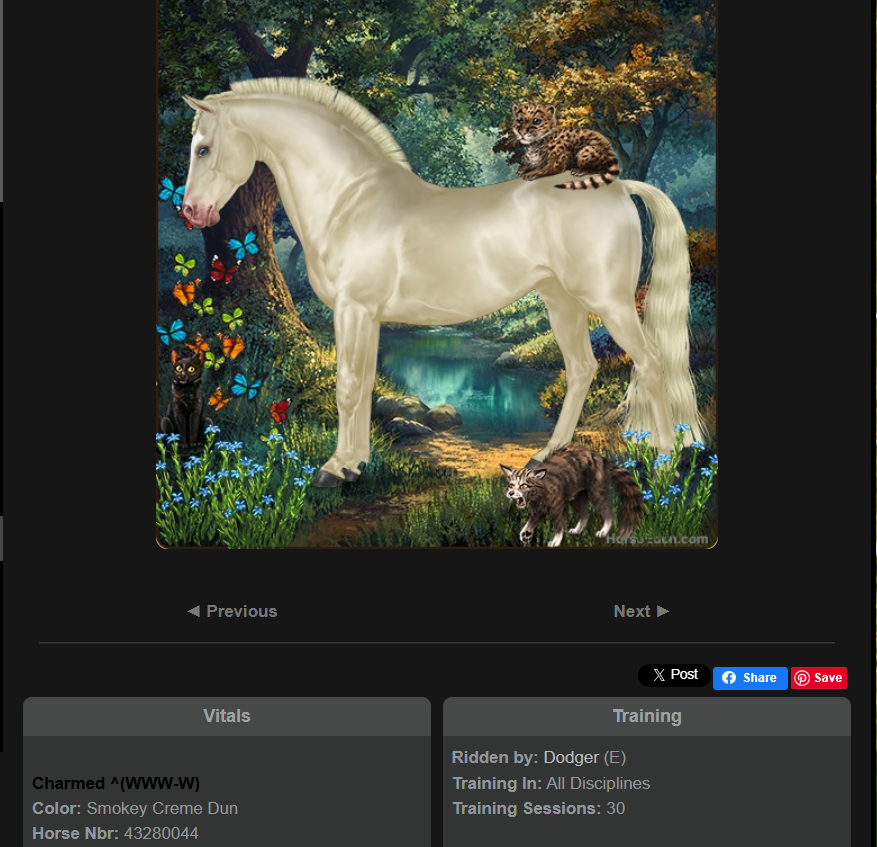
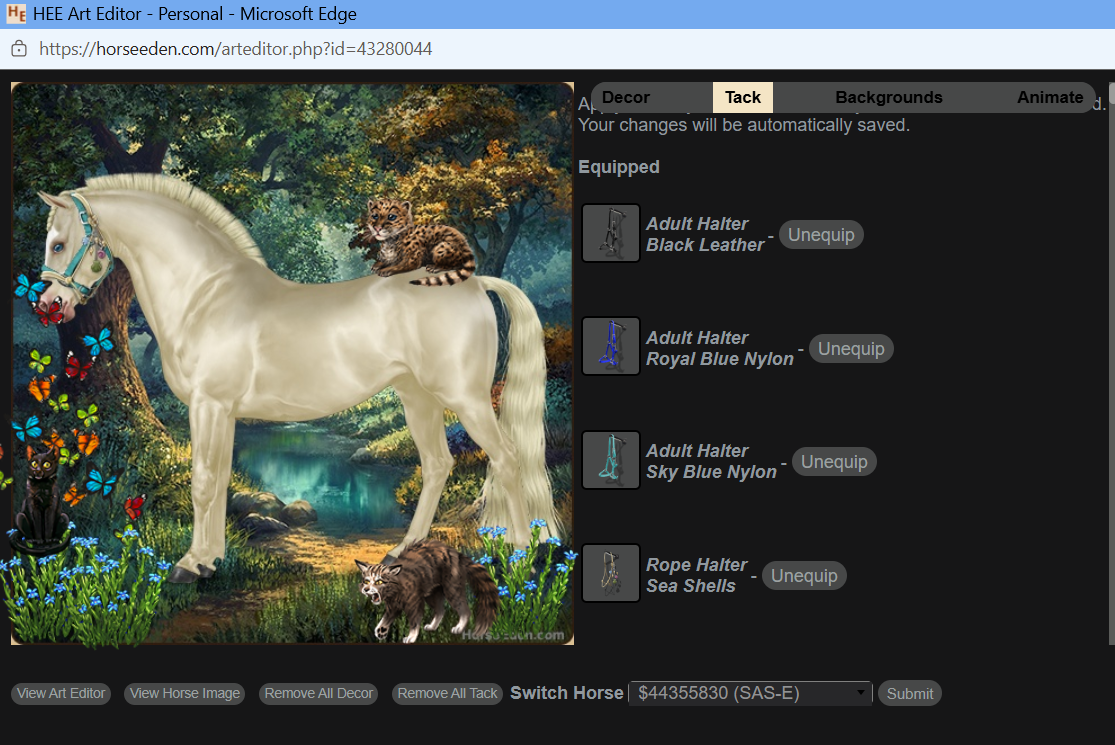
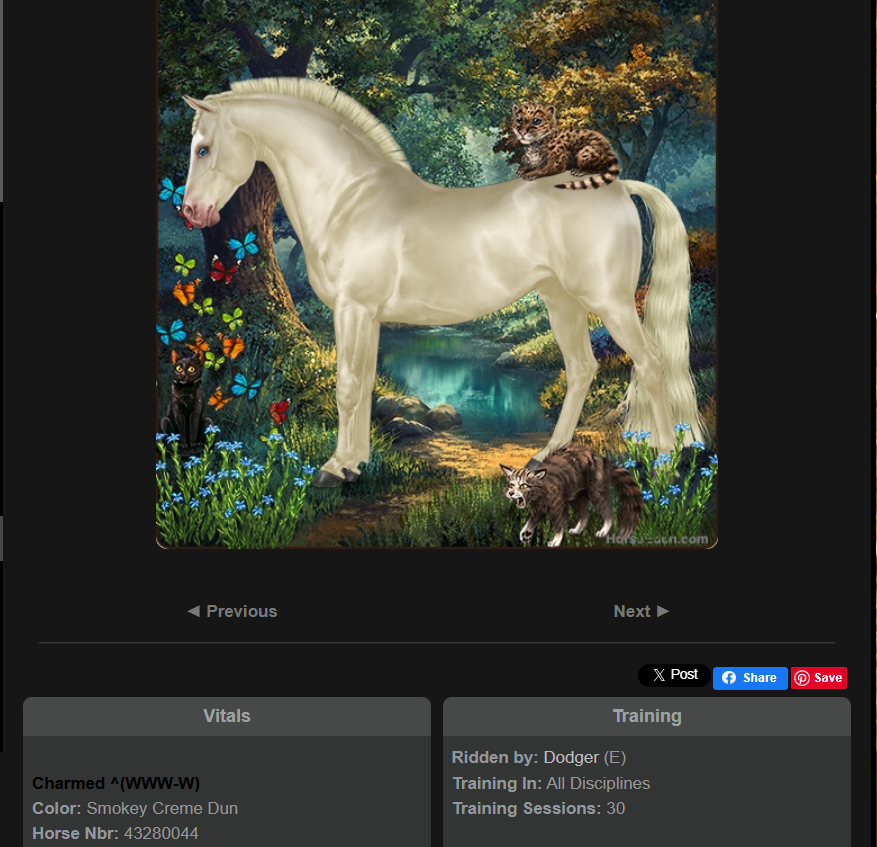
I kept trying to put halters on my PON, and they didn't show up until I completely rebooted my machine a few screenshots Try one halter Horse refreshed after exiting Art Editor After trying ALL FIVE halters one by one they showed in Art Editor I got this same result after refreshing the page but BEFORE I rebooted my computer which is when everything worked correctly again Device is a Dell Inspiron 15, I use Microsoft Edge |
|  |
|
| |
|
Seemed back to normal yesterday evening. |
| |
|
| |
Administrator
|
Are you guys still having this problem? If you want to see the horse image as it appears on the page, click "View Horse Image". If you want to edit the image in the Art Editor click "View Art Editor". |
| |
|

 Moderate Temperatures and Overcast